PLATFORM / PACKAGE
Choose a download by platform
The system-aware button offers a quick platform choice but does not identify your Mac chip. If you are downloading for another device, use the device cards below and check the operating system and architecture before saving an installer.
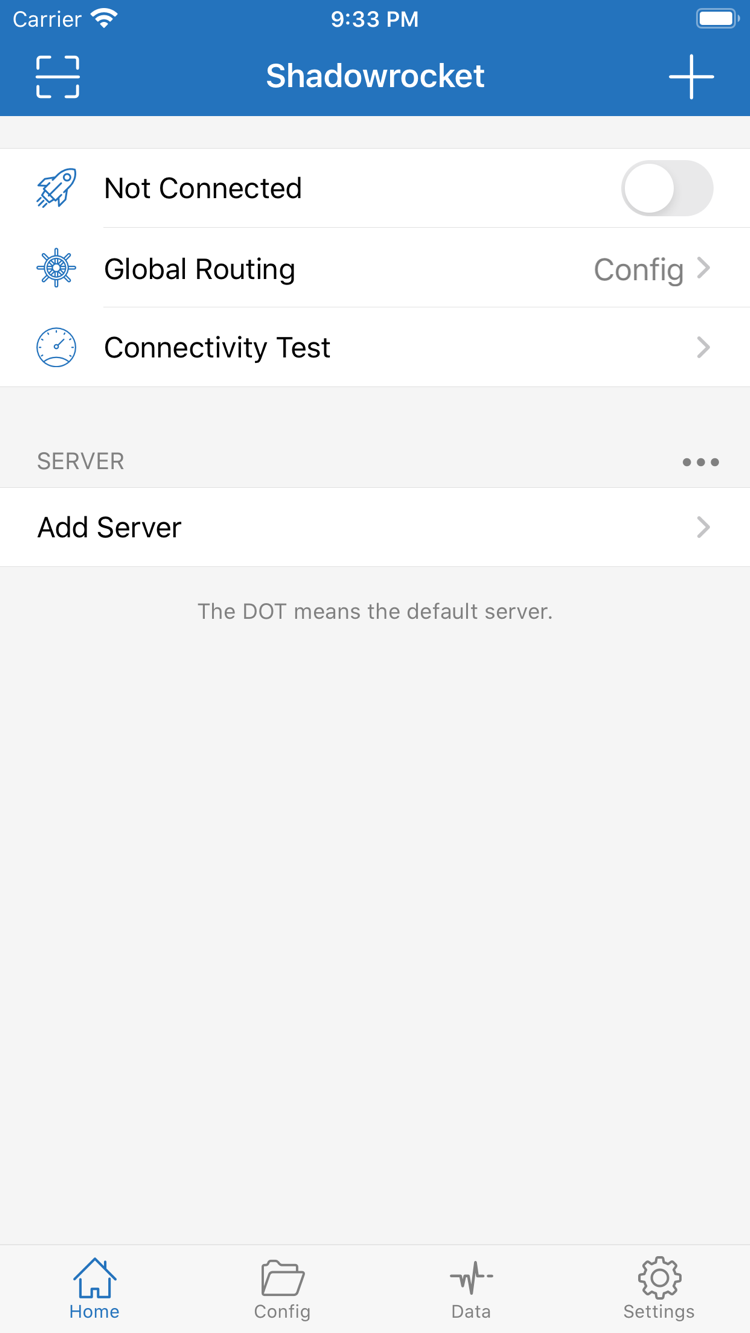
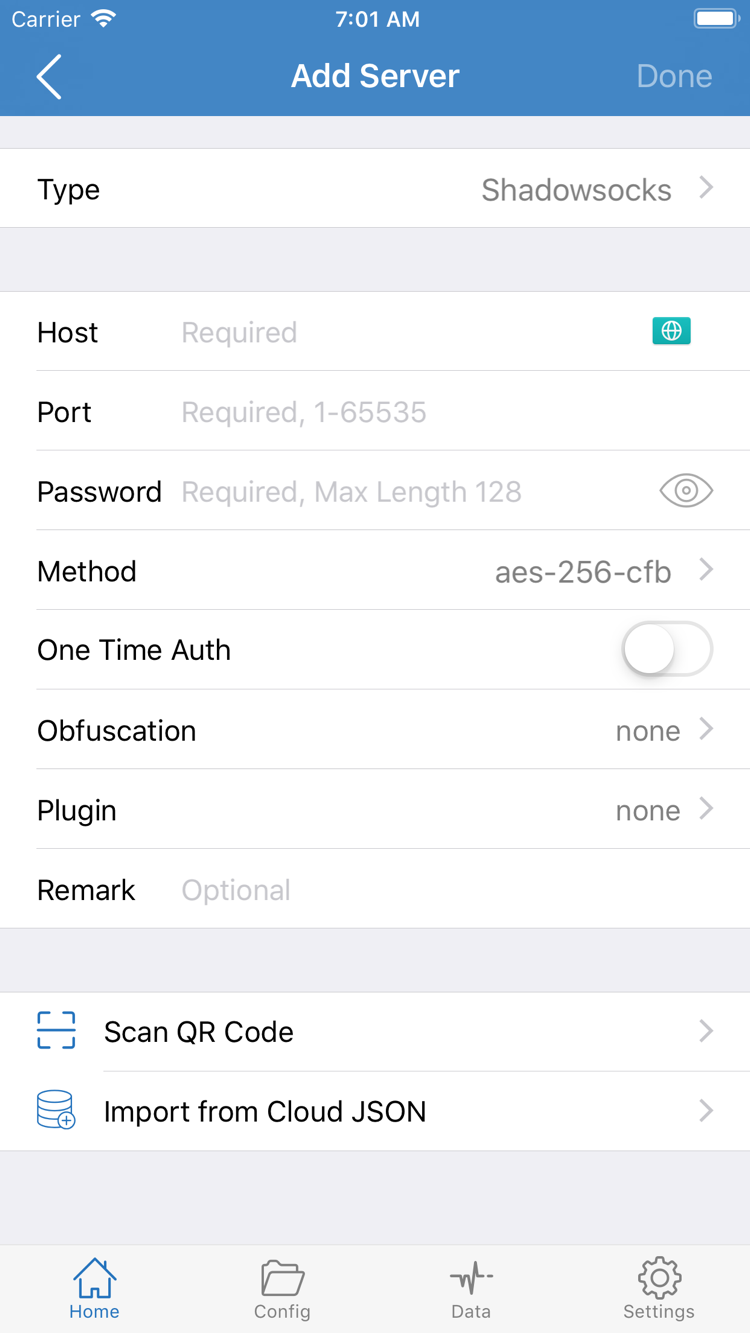
iPhone / iPad
$2.99 one-time. Purchase and install through the App Store. One purchase covers iPhone and iPad using the same Apple ID. Mac, Windows, Android and Linux versions are free and available from this site.
System requirements: Check the App Store page. Open the product page to review compatibility and confirm that your device can install the app. The store price is shown in the local currency for the selected storefront.
Before purchasing, verify the developer and app ID rather than relying only on the name in search results. If the app does not appear in search or the product page is unavailable, check your account's storefront first; do not repeatedly retry payment.
Mac
Free. Available in Apple Silicon and Intel installer versions. The iPhone / iPad version costs $2.99 as a one-time App Store purchase; Windows, Android and Linux versions are also free.
System requirements: macOS 12 or later. Both installers are disk images. Open the downloaded .dmg, move Shadowrocket to /Applications, then launch it.
Not sure which version to choose? Open About This Mac and check “Chip” or “Processor.” Choose Apple Silicon if it says Apple Silicon, or Intel if it lists an Intel processor. First-launch warnings and processor selection are separate issues; choosing a different architecture will not resolve a security block.
See macOS first-launch steps
Windows
Free. Use the 64-bit installer provided on this site. The iPhone / iPad version costs $2.99 as a one-time App Store purchase; Mac, Android and Linux versions are free.
Architecture: Windows x64; the installer is an .exe file. Check the system type under “Settings → System → About,” then run the installer and follow the setup wizard.
Downloading a file does not install it. Open the saved file separately. If SmartScreen displays a warning, first confirm that the file came from this site's download link, then follow the installation guidance. A computer restricted by organizational policy should be handled by its administrator.
See SmartScreen steps
Android
Free. Download the arm64 installer from this site. The iPhone / iPad version costs $2.99 as a one-time App Store purchase; Mac, Windows and Linux versions are free.
Architecture: Android arm64; the installer is an .apk file, suitable for most recent phones and tablets. If the system reports an architecture mismatch, check the device specifications instead of repeatedly installing the same file.
Download using your system browser. If a download cannot continue inside WeChat, follow the prompt to open this page in a browser. During installation, grant “Install unknown apps” permission only to the browser that downloaded the file. You can revoke that permission in system settings afterward.
See Android installation permissions
Linux
Free. Choose a package format for your distribution. The iPhone / iPad version costs $2.99 as a one-time App Store purchase; Mac, Windows and Android versions are also free.
Architecture: x86_64. Use .deb for Debian / Ubuntu, .rpm for Fedora / openSUSE, or AppImage for other distributions. These installers are not for ARM devices.
The package format determines the installation method, not a different network service. Use your distribution's software installer for deb or rpm packages; AppImage needs execute permission first. Before running a command, go to the file's directory and replace the example filename with the full name of the file you downloaded.